Manager App Settings
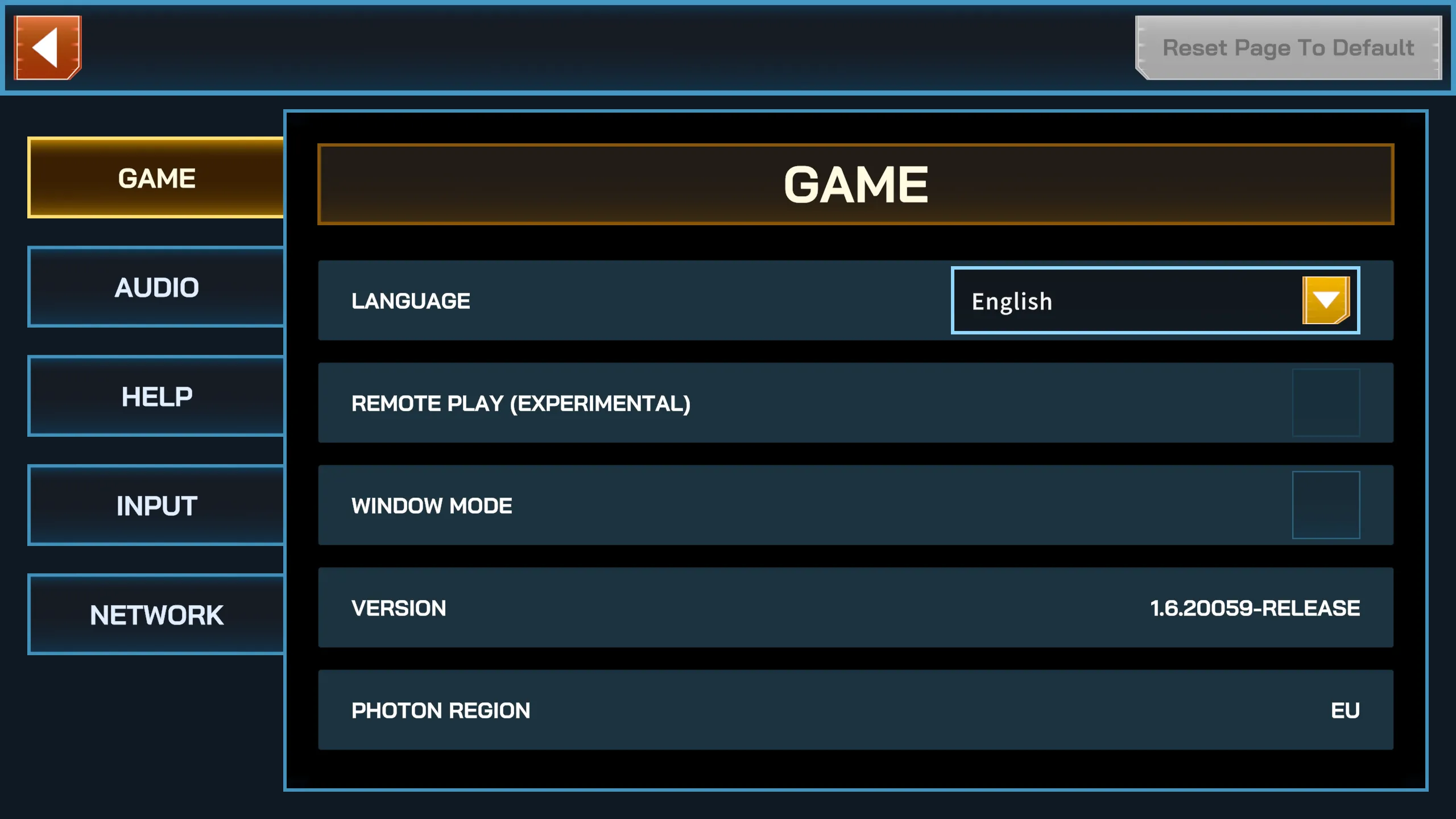
The Settings Menu allows you to configure how the Manager app behaves. Settings are grouped into the following categories:
- Language — select the interface language.
- Remote Play (Experimental) — allows users to join without colocation.
- Not recommended for LBE environments (reduced tracking stability).
- Window Mode — by default, the app starts in windowed mode. Disable to run in full screen.
- App Version — shows the current installed version of the Manager app.
- Photon Region — the server region the Manager app and clients connect to during a session.
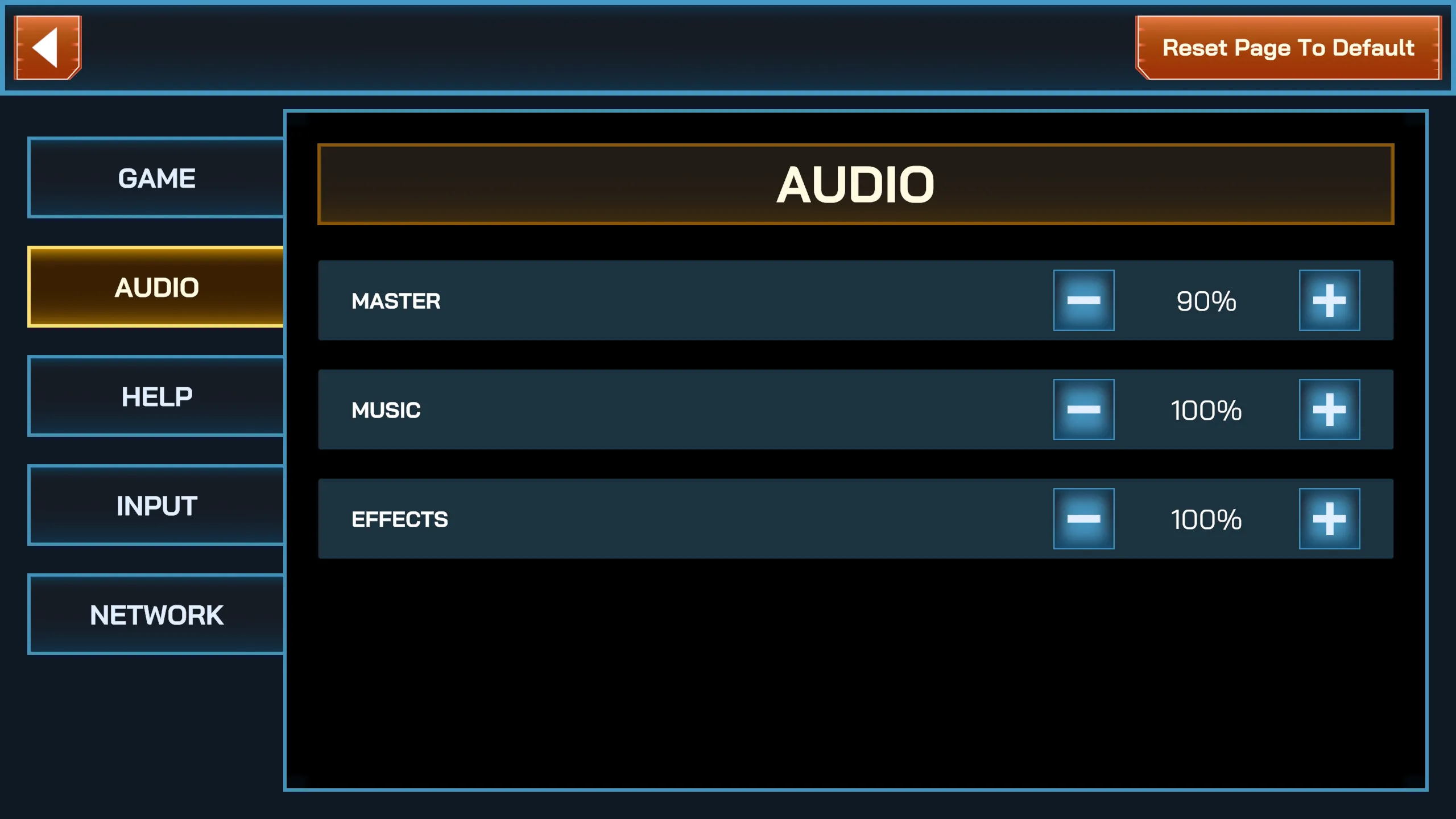
- Master Volume — overall audio level.
- Music Volume — background music level.
- Effects Volume — gameplay sound effects level.
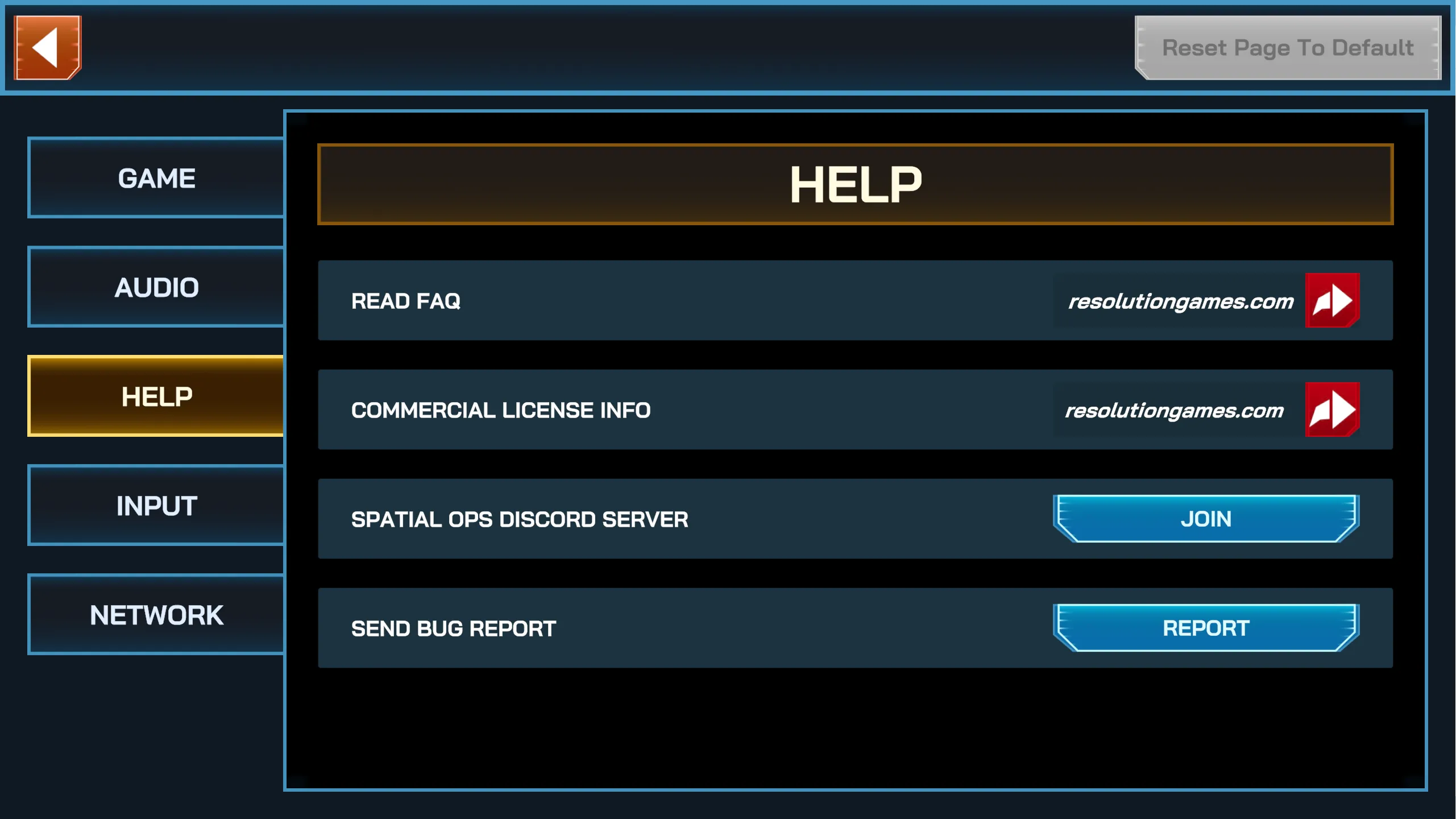
- Read FAQ — open the online FAQ page.
- Commercial License Info — open the license information
- Spatial Ops Discord Server — join the official support and community server.
- Send Bug Report — report issues directly to the development team.
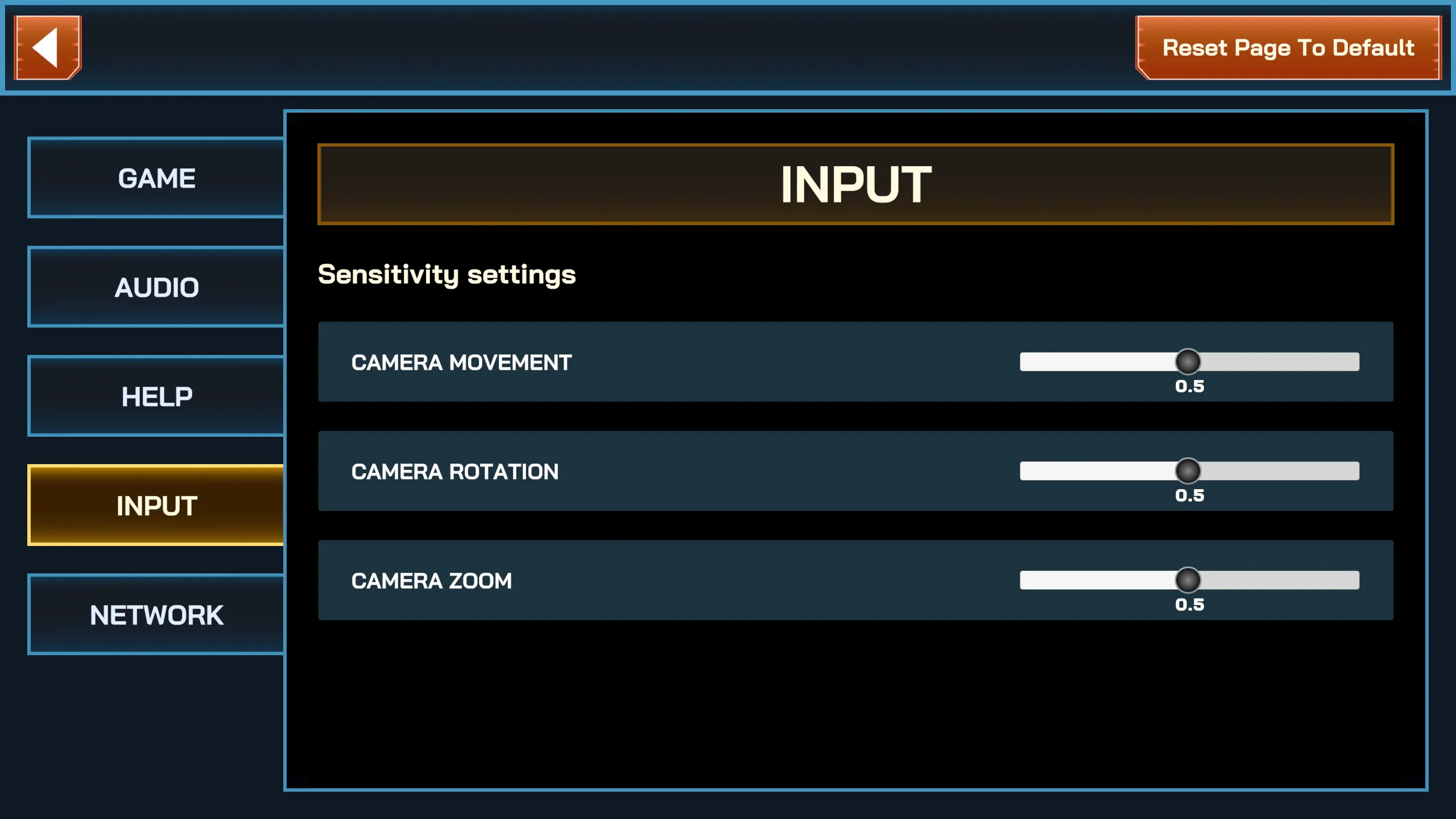
- Mouse Sensitivity — adjust camera preview controls when navigating in the Manager app.
Network
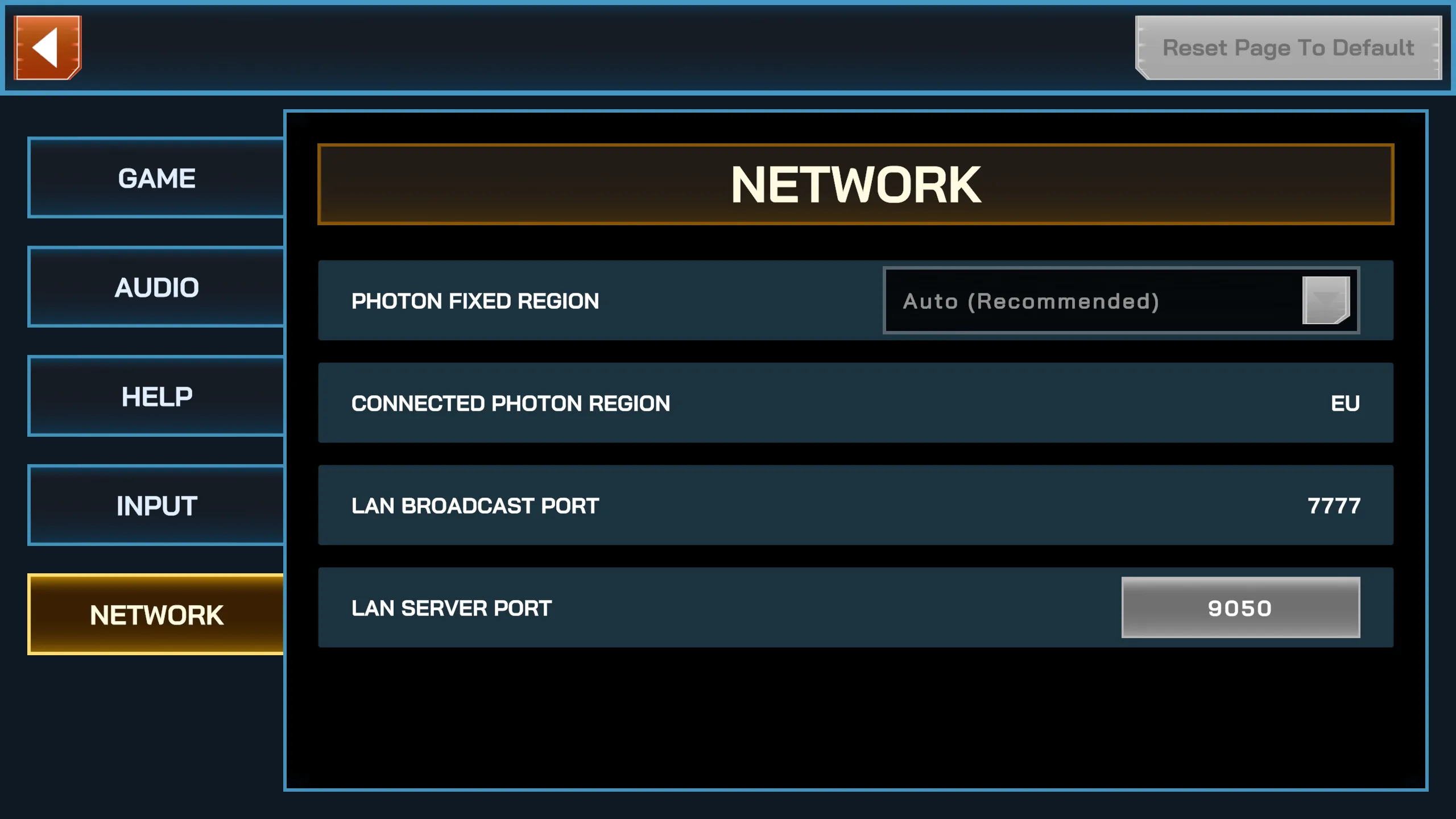
Section titled “Network”- Photon Region (Fixed) — override automatic selection if you encounter disconnection issues.
- LAN Broadcast Port — used for local discovery of devices.
- LAN Server Port — used for internal data exchange (device info, match invitations, status sync).
- If your router blocks certain ports, adjust these values accordingly.
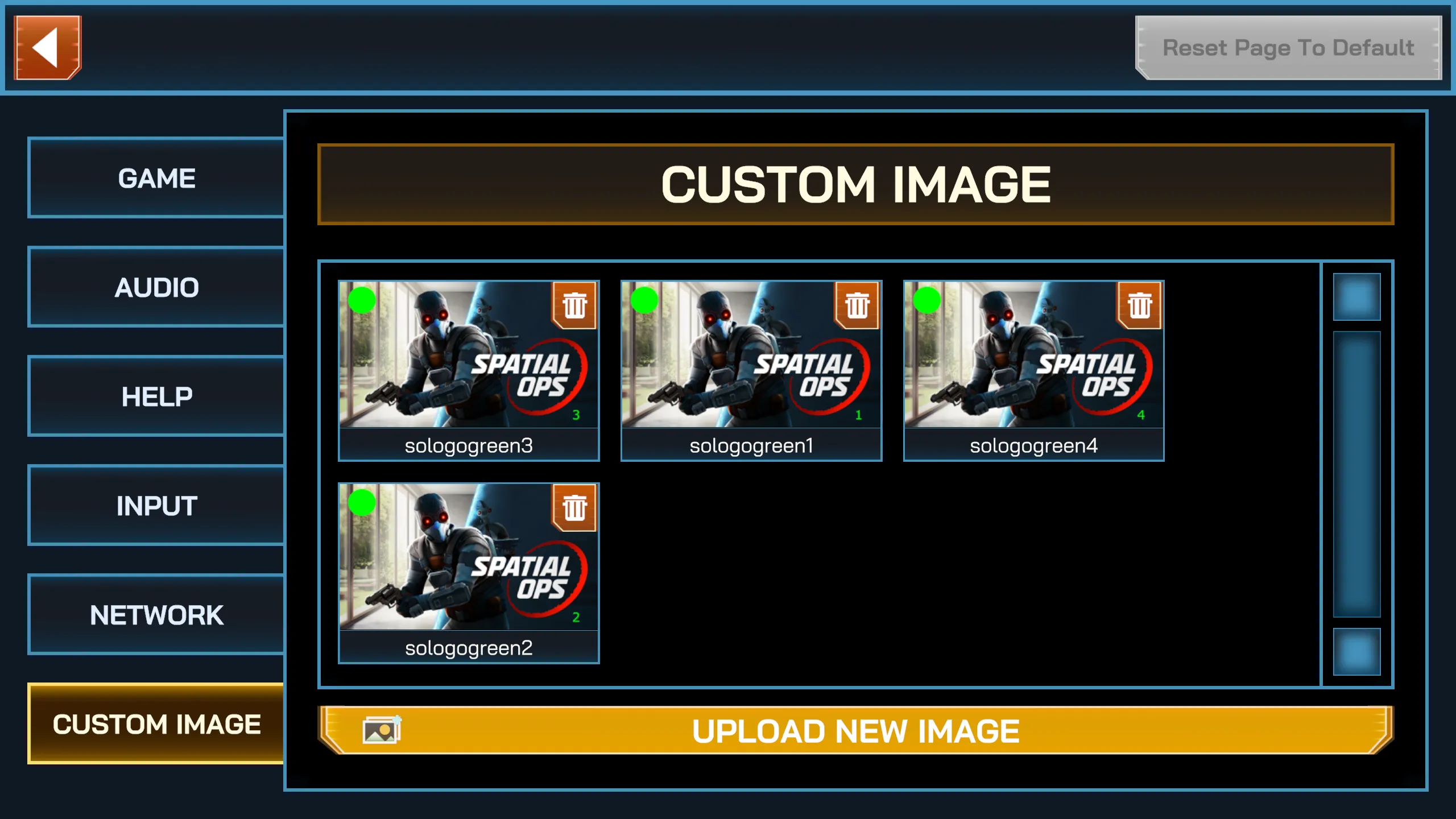
Custom Image
Section titled “Custom Image”A detailed walkthrough regarding Custom Images can be found here:
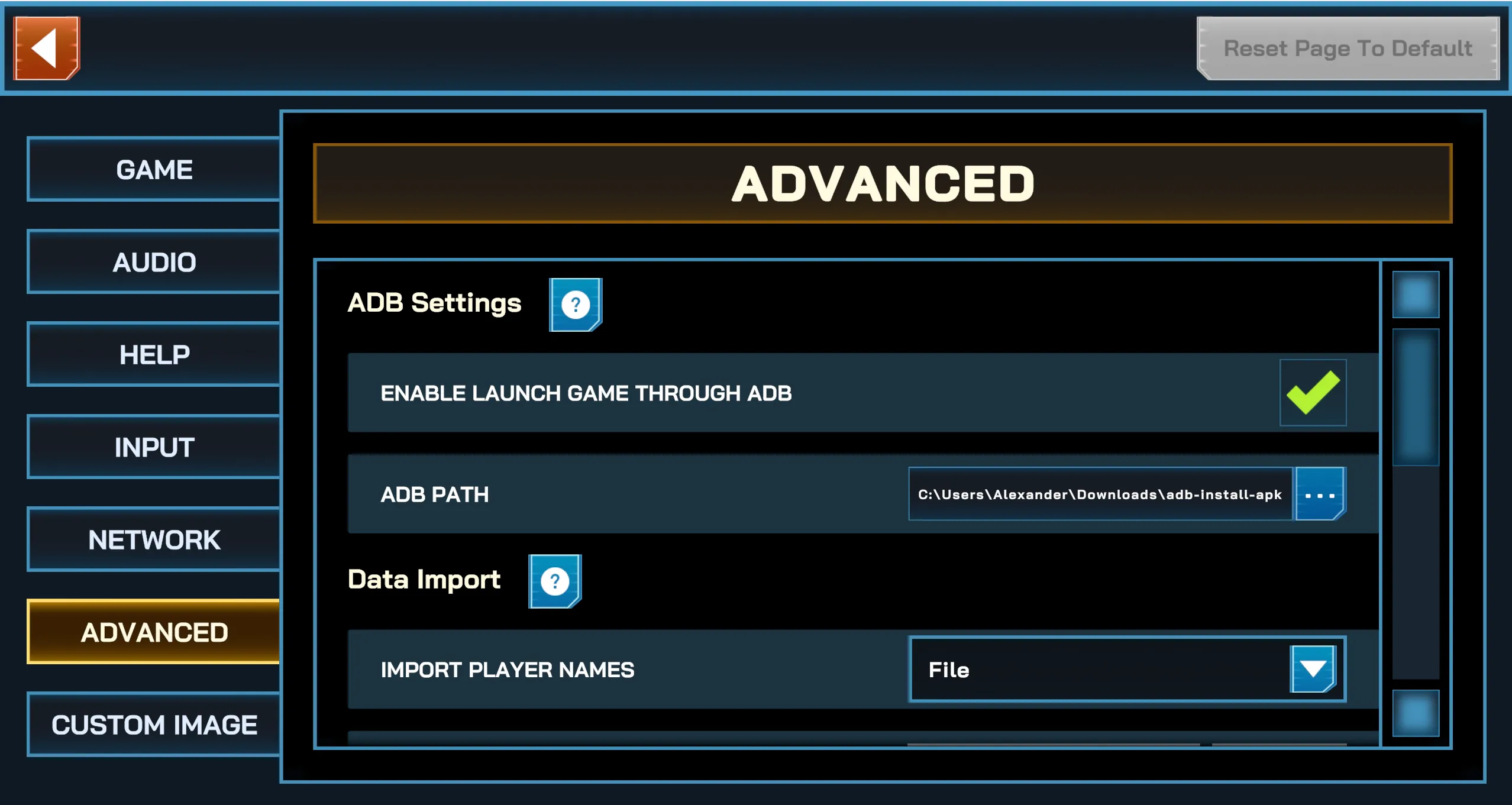
Advanced Settings
Section titled “Advanced Settings”Advanced settings unlock additional capabilities for venue operations — currently includes data import and export, and remote control functions. Refer to the following pages for detailed setup guides: