
Session View
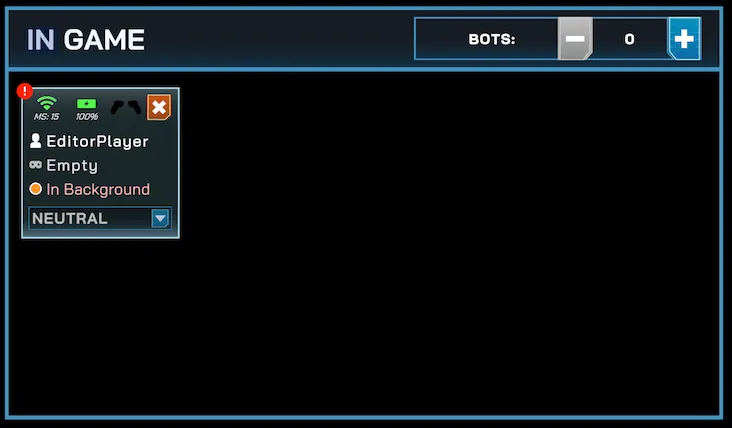
In game
Section titled “In game”This panel displays all headsets that are currently connected to the session and ready to play.
- Each headset card shows connectivity status, battery level, and whether the game is active.
- You can also add or remove bots from this panel.
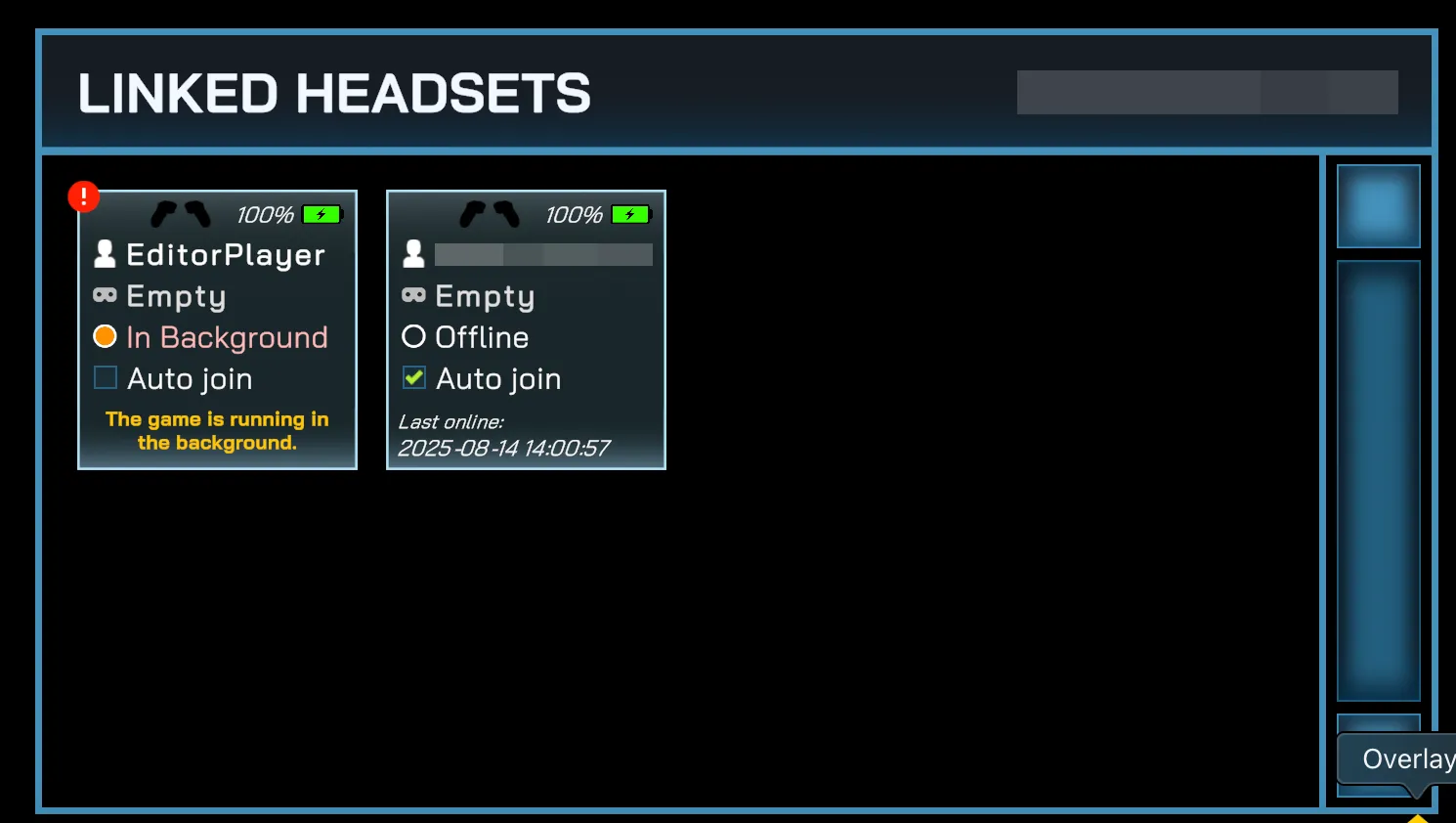
Linked headsets
Section titled “Linked headsets”This panel lists all headsets that are linked (paired) to your organization but not currently in the match.
- Clicking on a headset here allows you to add it to the current session.
- Linked headsets gain additional features such as Auto-join and detailed device status monitoring.
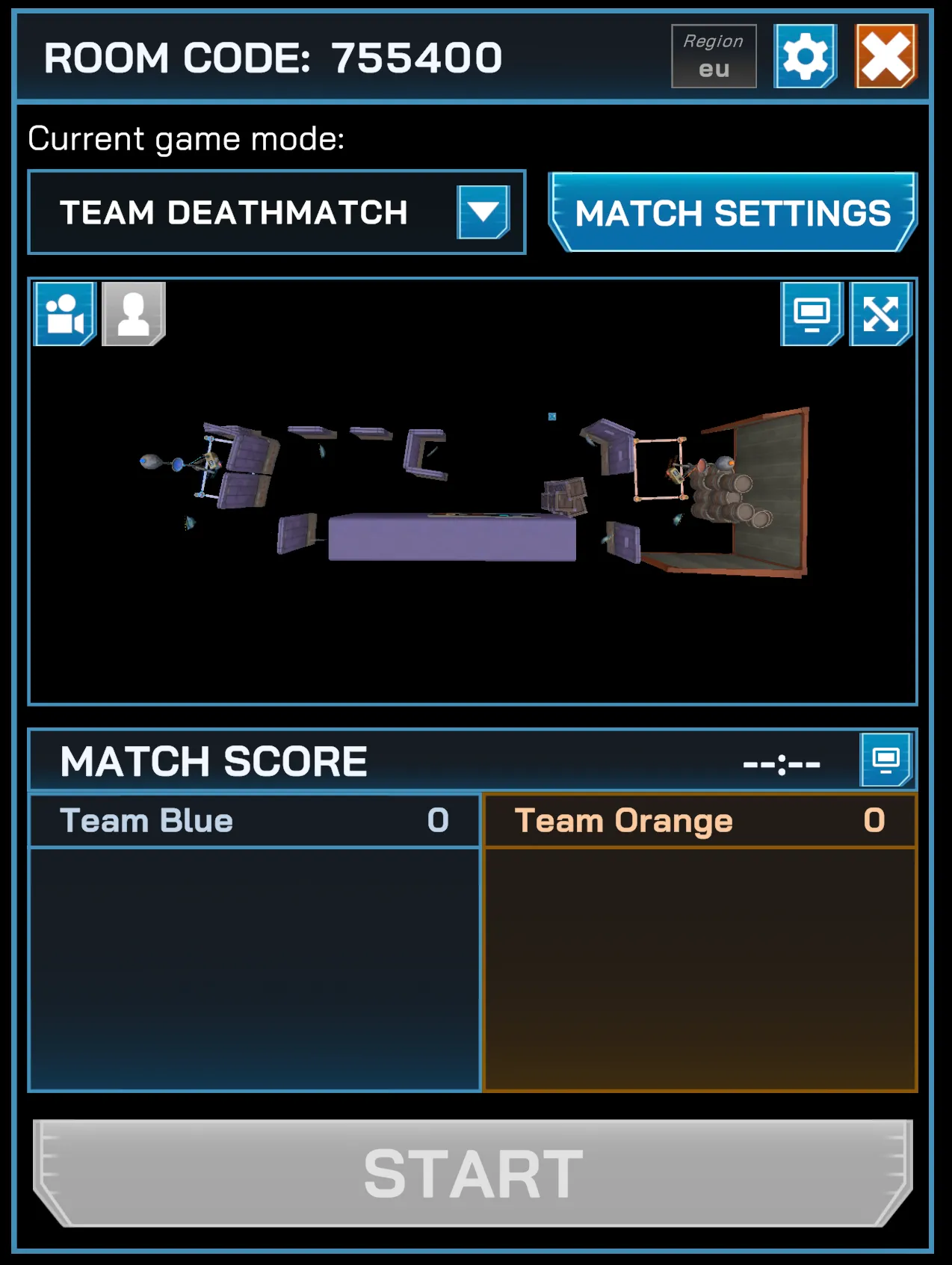
Match management area
Section titled “Match management area”This panel controls the active match. It contains:
- Room Code — the session code for players to join.
- Game Mode Selector — choose between Free For All, Co-op Survival, Team Deathmatch, Capture the Flag, and Domination.
- Match Settings — configure match rules such as game duration, respawn time, objectives, and allowed weapons and more.
- Map Preview — shows the selected arena layout.
- Match Score — displays the current score for all players or teams.
- Start / End Match Button — begin or end the match.