
Launching and Quitting the Game from the Manager App
Enabling the feature
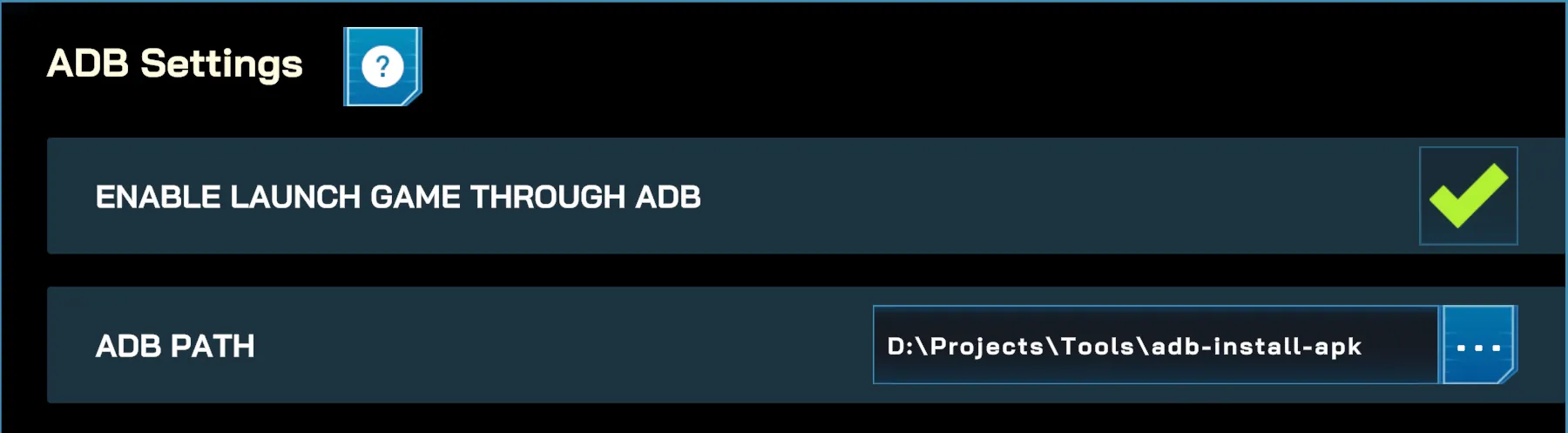
Section titled “Enabling the feature”In the Settings Menu > Advanced, enable Launch Game Through ADB. You will also need to set the ADB Path to the location of your ADB executable.
Launching the Game
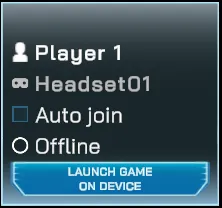
Section titled “Launching the Game”Once the headsets are configured for wireless connection and the ADB feature is enabled in the Manager app, linked headsets will show a Launch Game on Device button directly on their card.
Quitting the Game
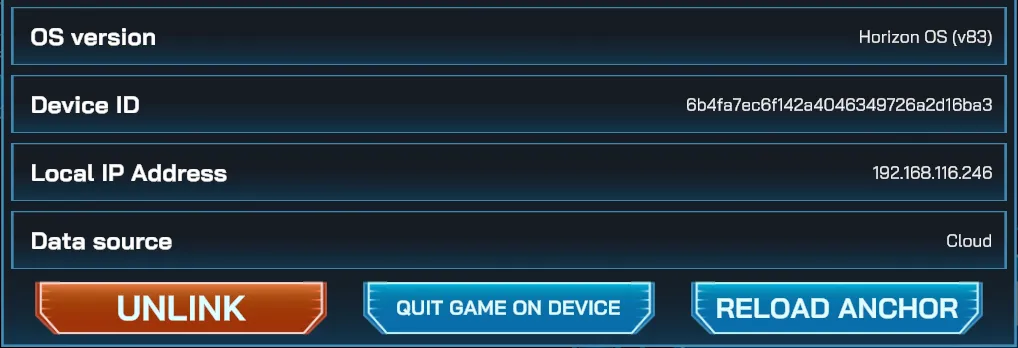
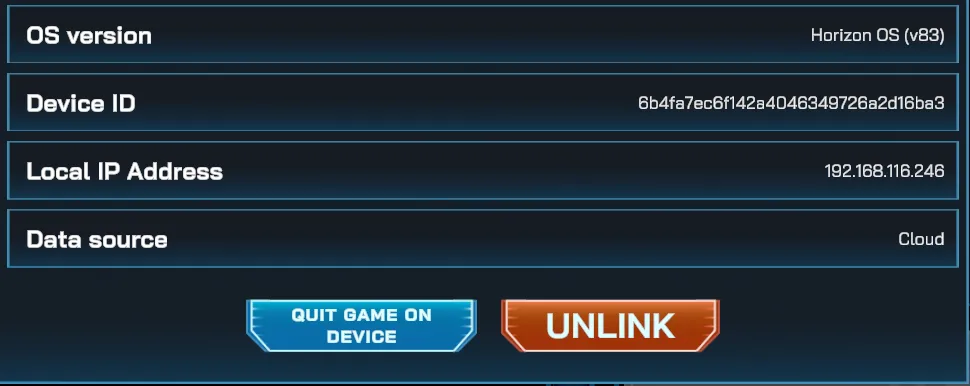
Section titled “Quitting the Game”To quit the game, click on the headset card to open its details. From there, the Quit Game on Device button will be available at the bottom of the popup.