Setting Up Individual Player Holsters
-
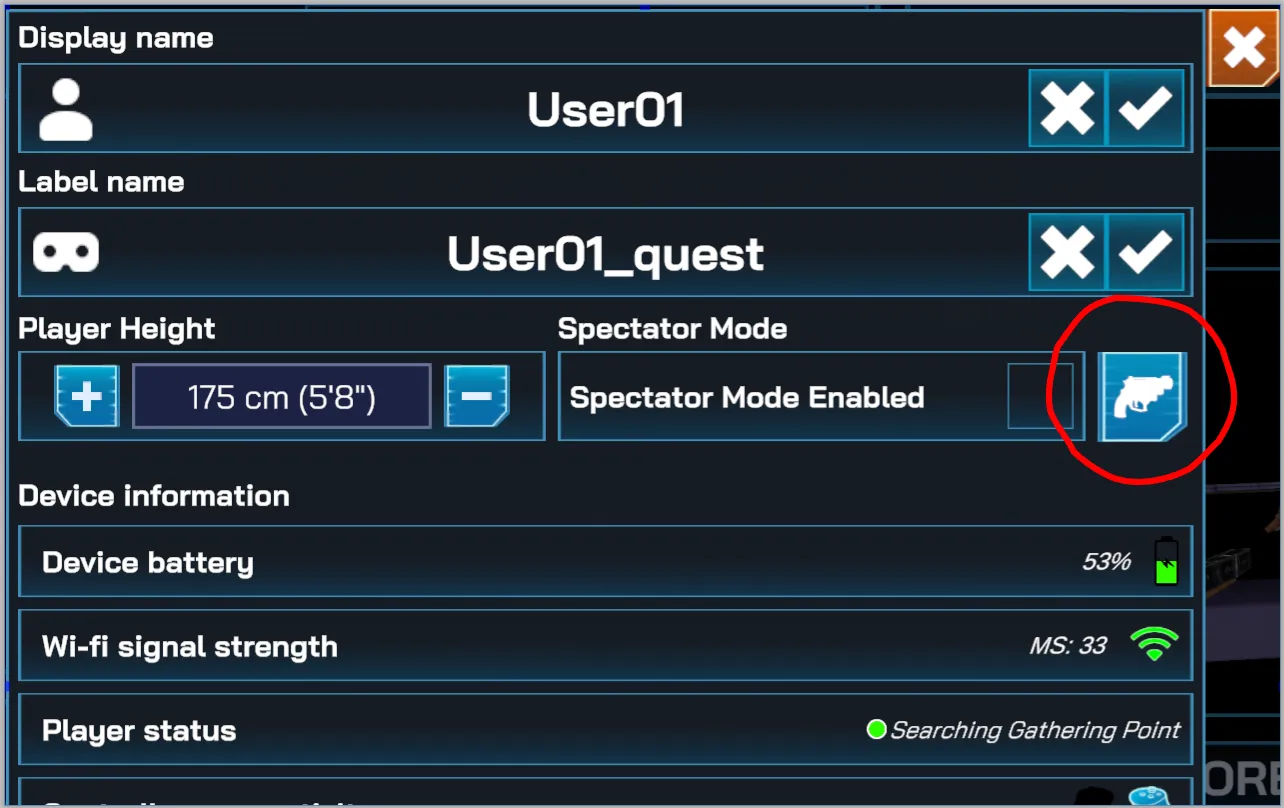
To start customizing, click on the specific player in the In Game panel to show its detailed informations pop-up. Click on the holster setting button, located right next to the Spectator Mode toggle.
-
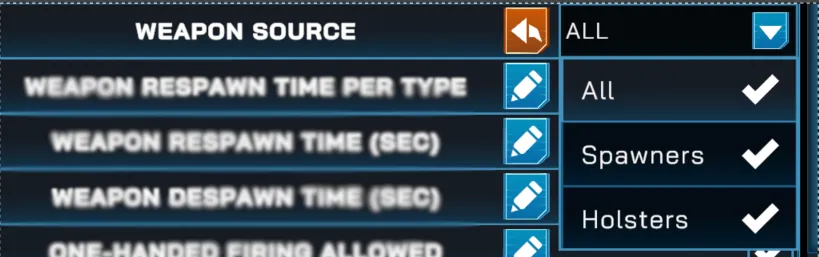
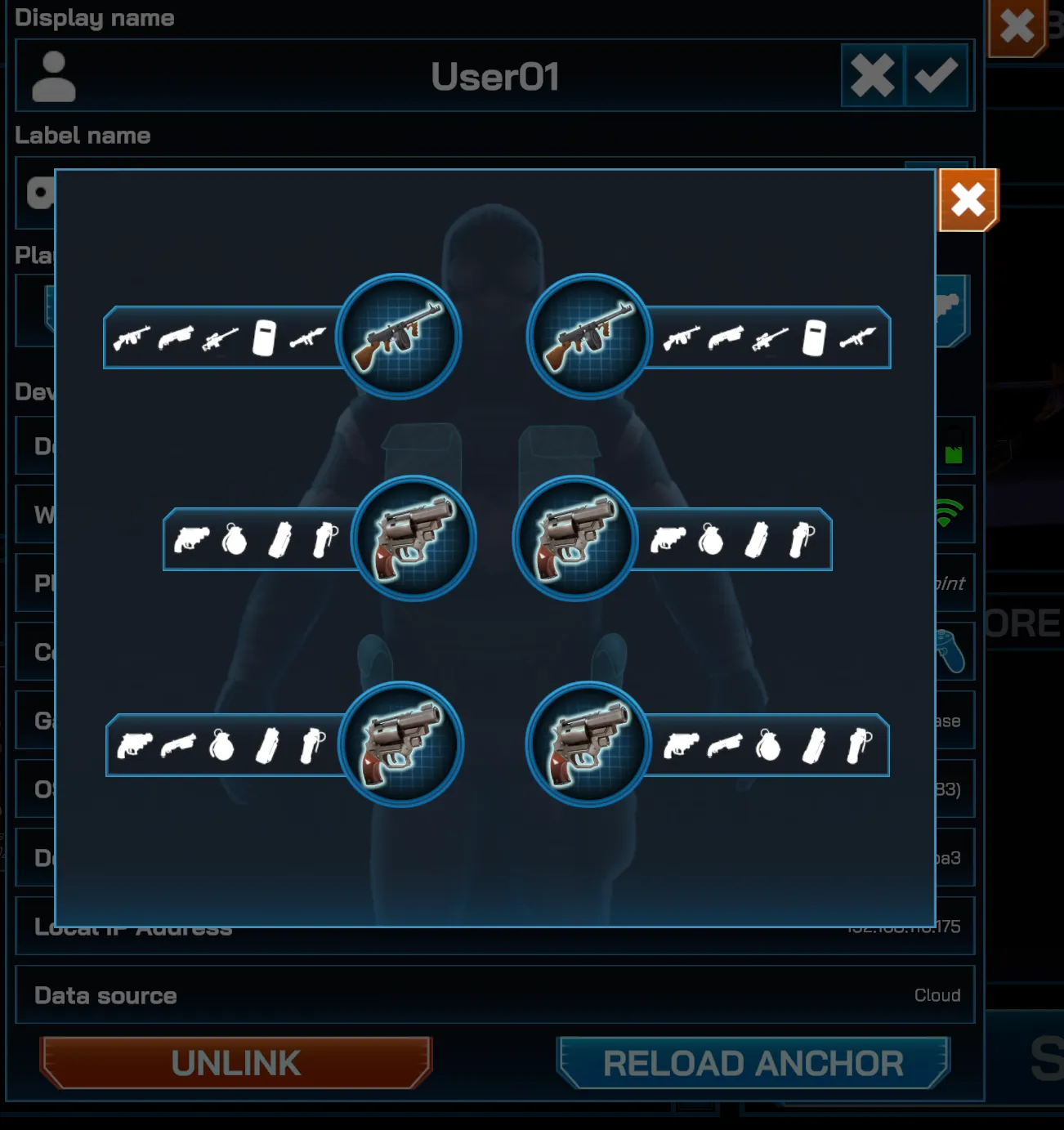
This will open a new panel that shows that player’s holster loadout. When all holsters are enabled, the default weapons equipped on each holsters are:
- Tommy Guns on both left and right shoulder
- Revolver on chests and waists (both left and right)
-
Click on a specific holster (example: Right Waist) to change the weapon equipped to it. It would cycle through the supported weapons for that holster.