
Start a Match
Once you have linked your headsets, you can start a match. See the Quick Start reference or go through the detailed steps below.
-
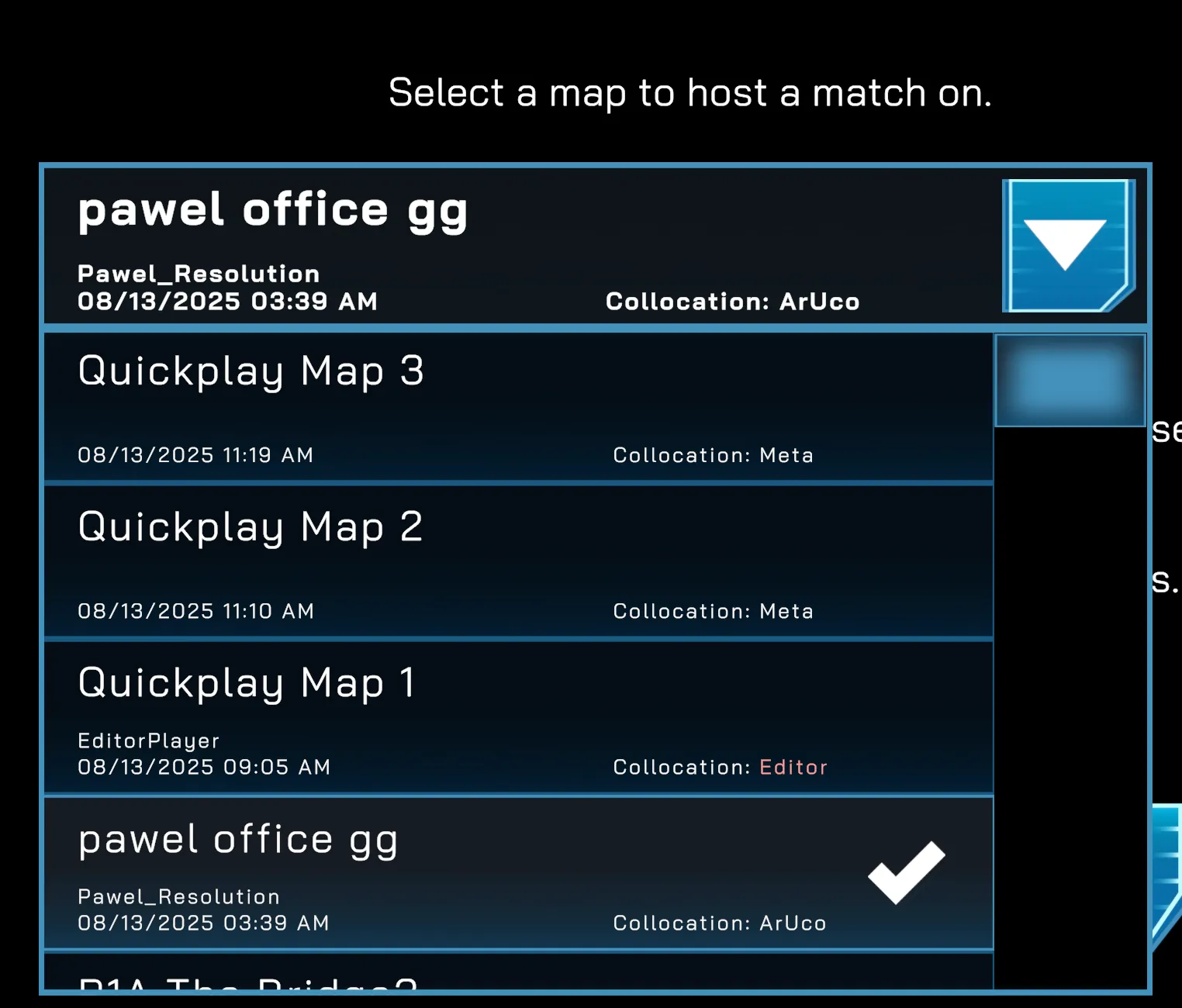
Choose a map from the main menu.
-
Press Start Session.
-
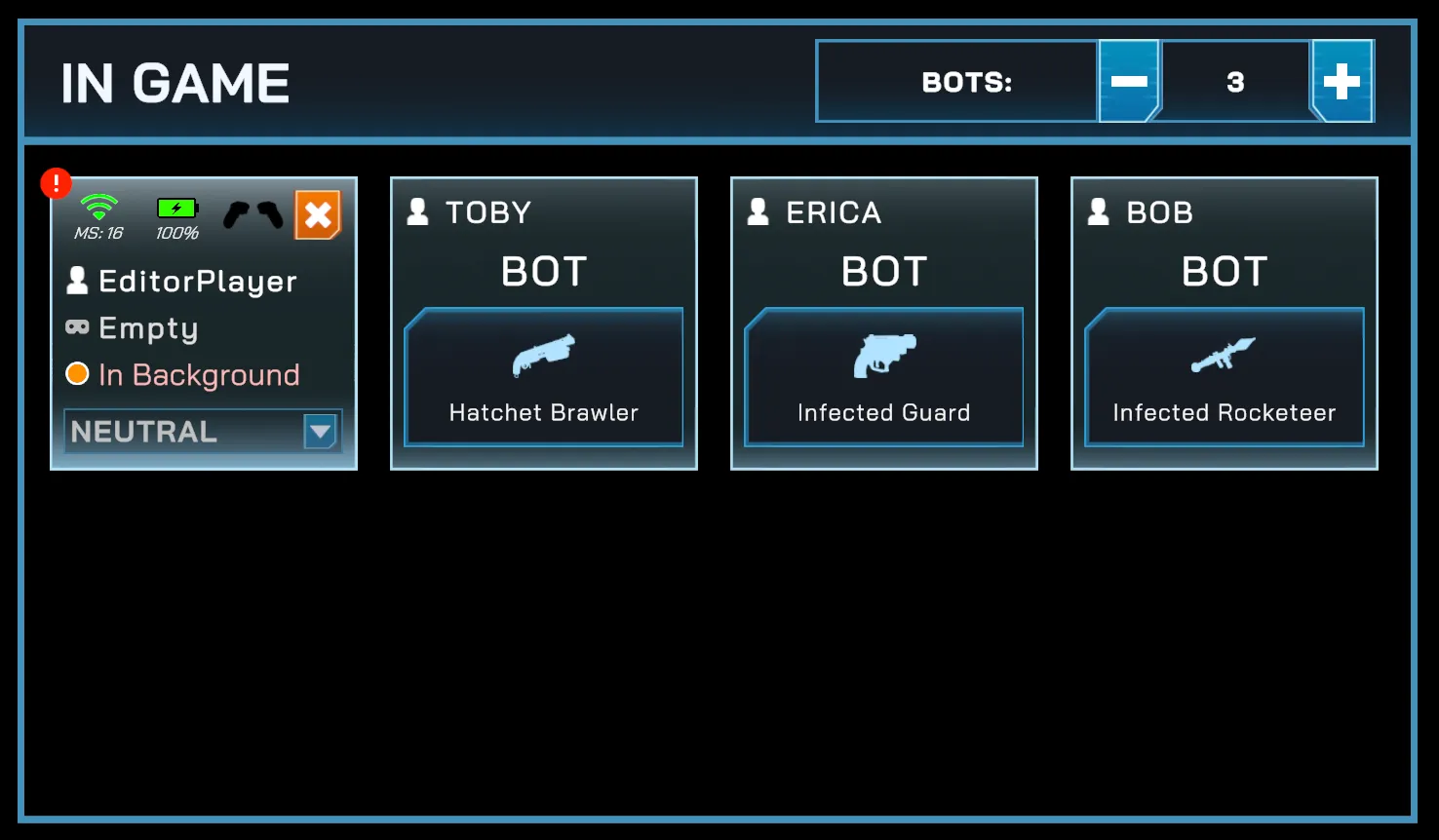
Ensure that at least one headset is connected (visible in the In Game section).
-
Once a headset is connected, the
Startbutton becomes active.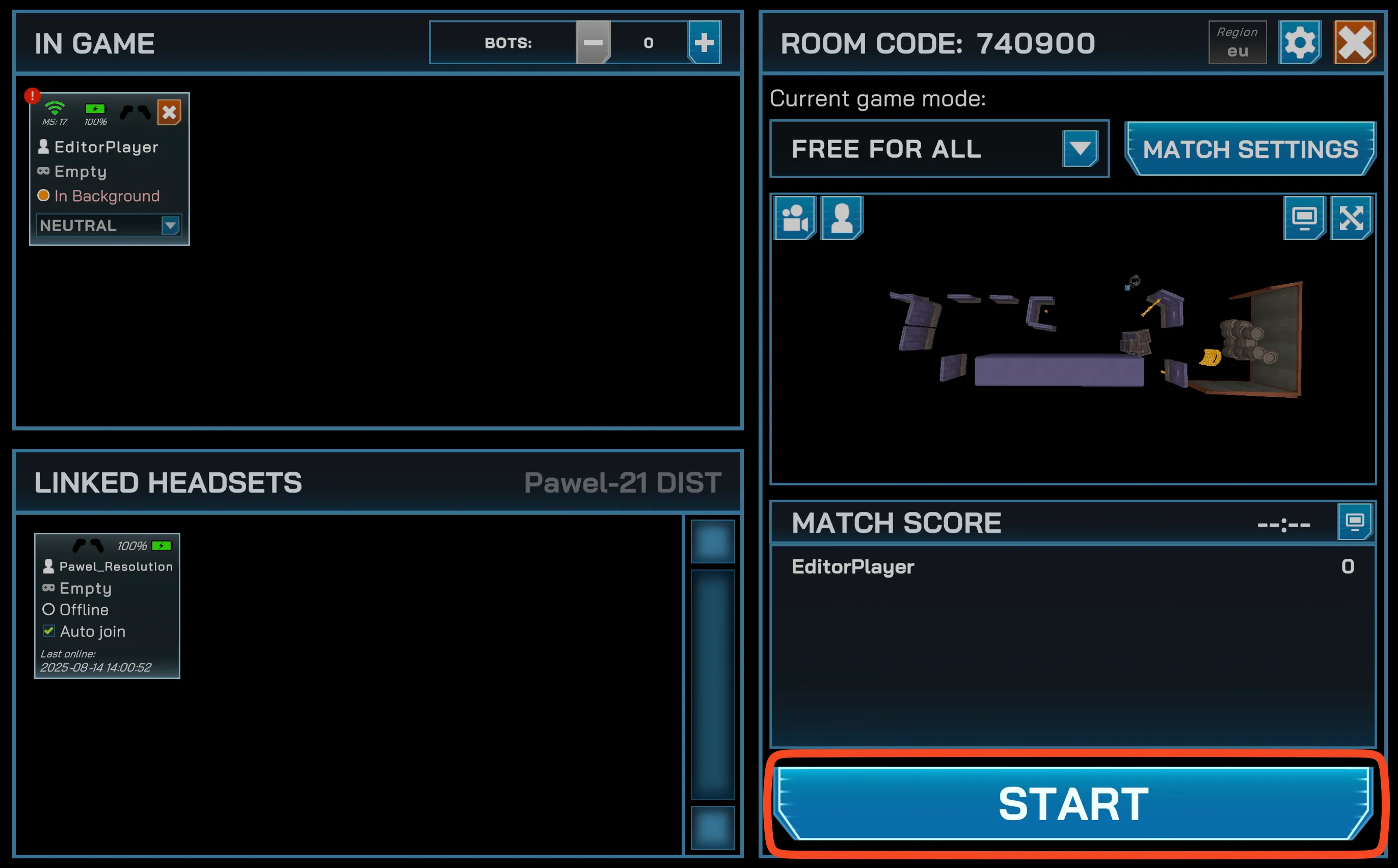
-
(Optional) Adjust match settings before starting:
-
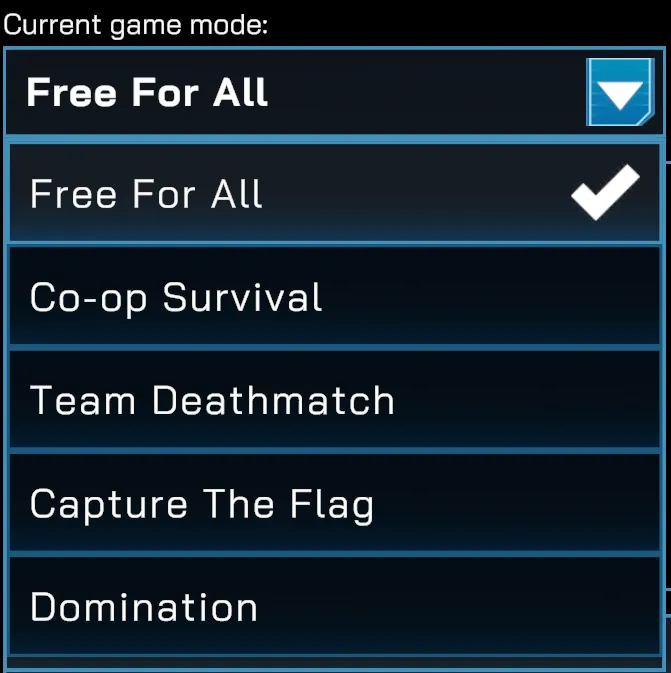
Game Mode — select from Free For All, Co-op Survival, Team Deathmatch, Capture the Flag, or Domination.
-
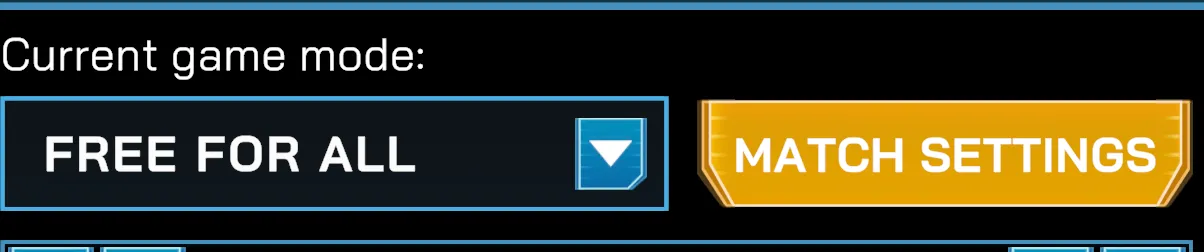
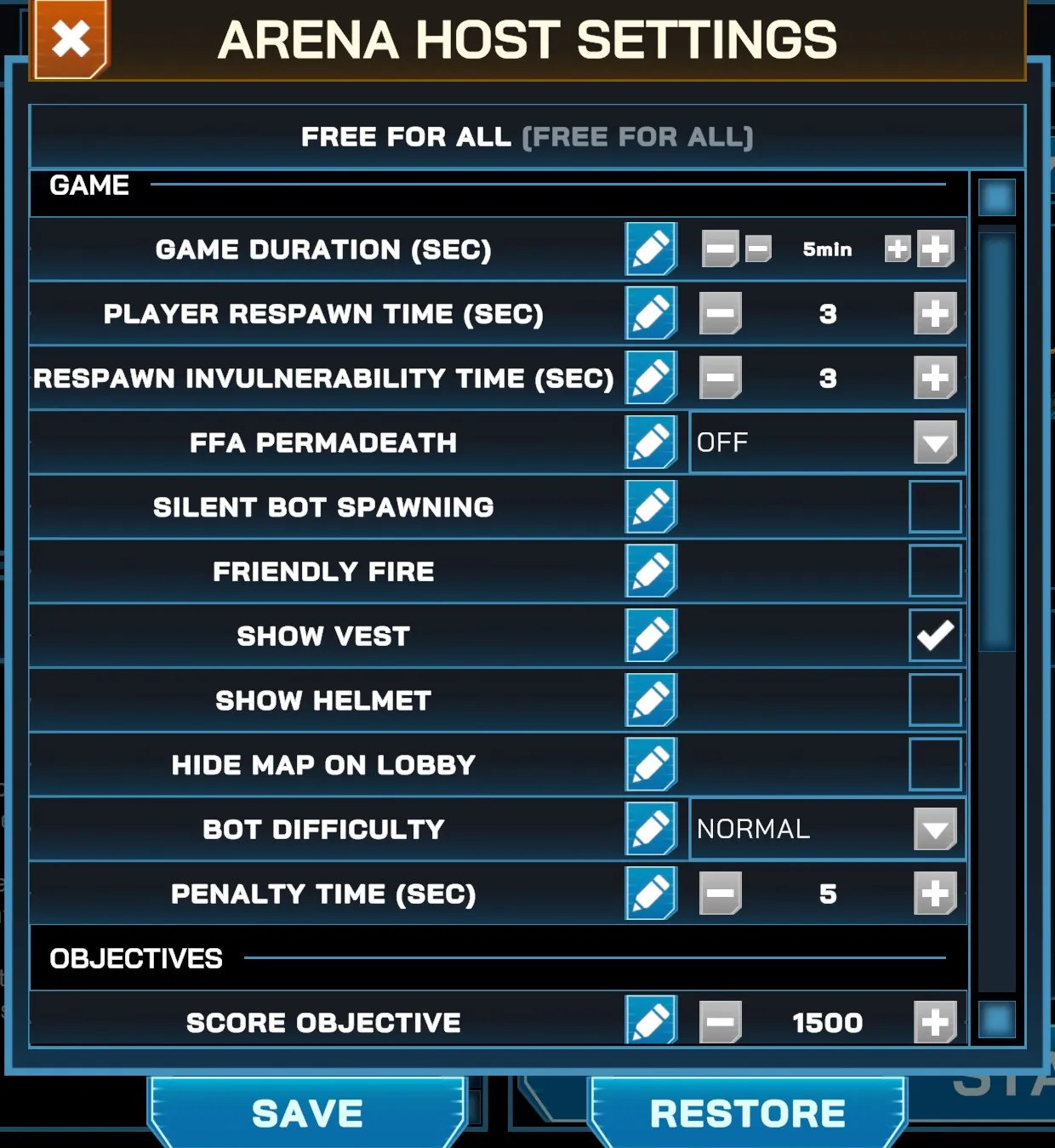
Rules — configure game duration, respawn times, score objectives, damage modifiers, allowed weapons, and more.
-
-
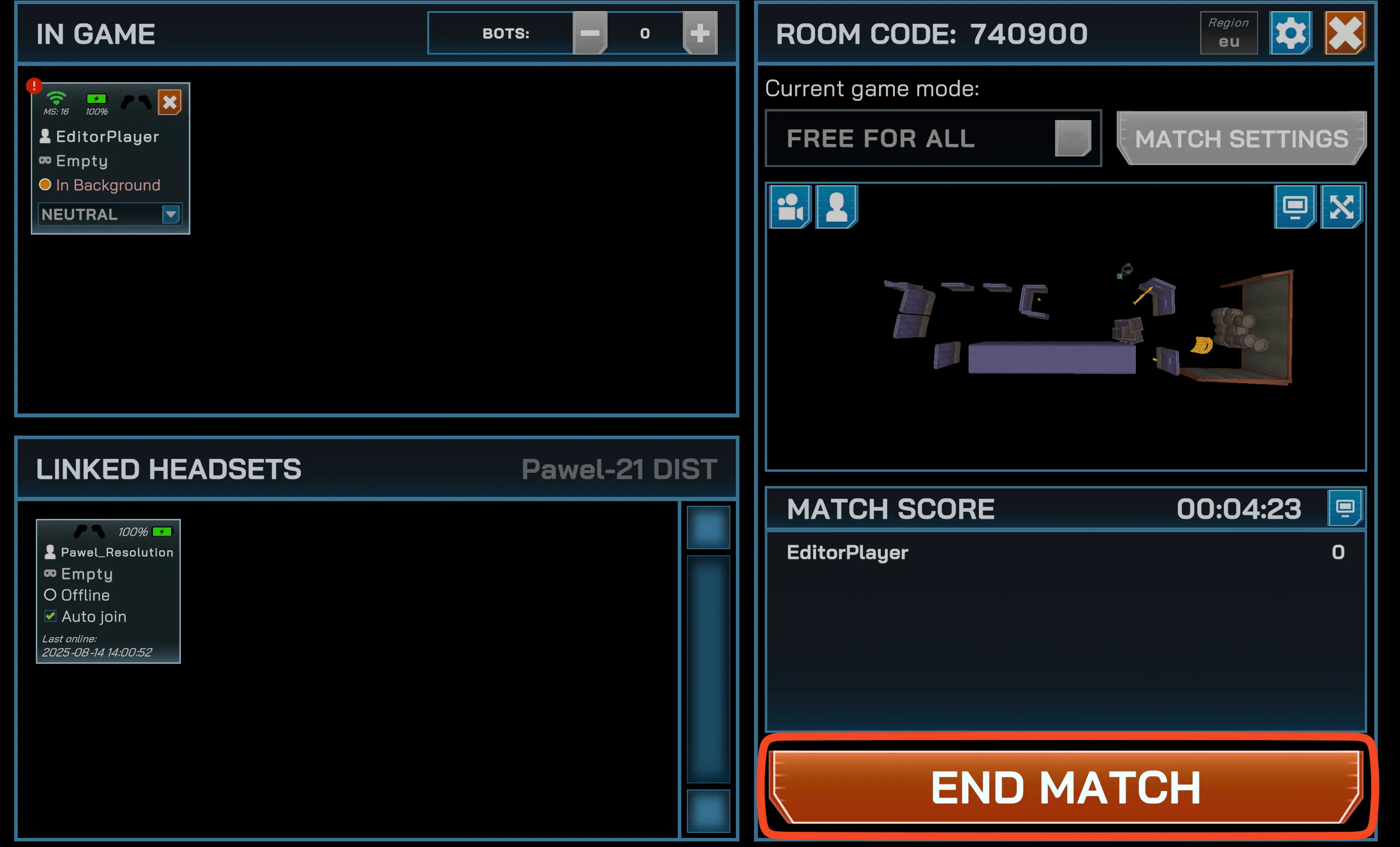
While the match is running, the End Match button should appear.